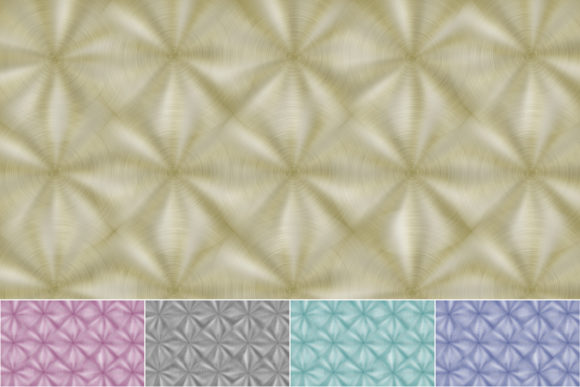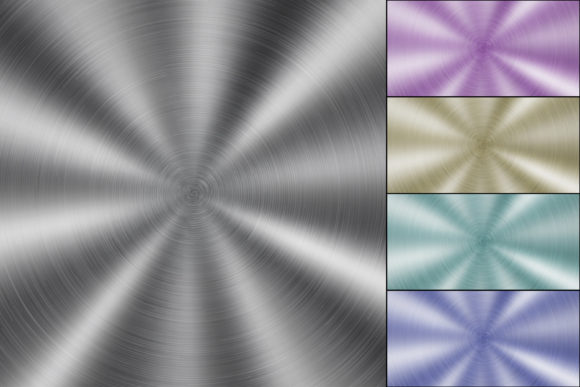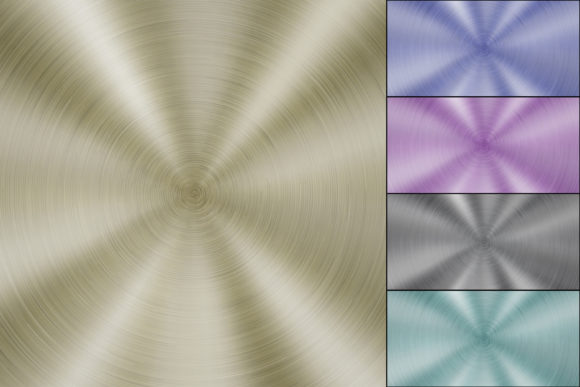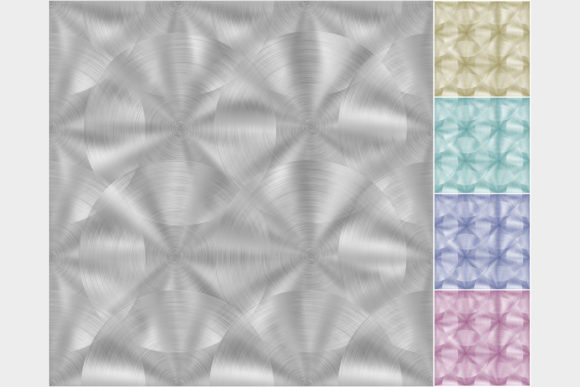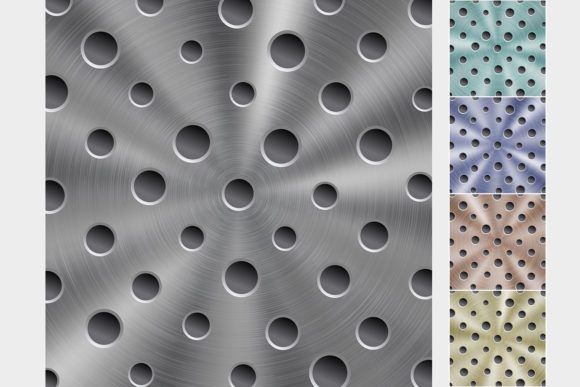
Metal Backgrounds with Circular Texture: Elevating Digital Design with Industrial Precision
In the world of digital design, texture is often the unsung hero that separates a flat, forgettable graphic from a compelling visual experience. Among the myriad of options available, Metal Backgrounds with Circular Texture have emerged as a versatile and powerful asset for creators who need to convey strength, modernity, and technical precision. This specific collection offers more than just a shiny surface; it provides a structured, industrial aesthetic characterized by circular brushed textures and round perforations. Whether you are designing a high-tech product launch, a futuristic interface, or a bold marketing campaign, these backgrounds offer a tactile quality that engages the viewer on a subconscious level.
The pack includes five distinct color variations—silver, golden, light blue, blue, and bronze—each bringing its own psychological weight and visual temperature to a project. By providing both editable vector files (.ai version CC and .eps version 10) and high-resolution raster files (.jpg at 4167×4167 pixels), this resource bridges the gap between scalable graphic design and pixel-perfect web imagery. But beyond the technical specifications, the real value lies in how these textures can be applied to solve real-world design challenges.
Enhancing Tech and Automotive Branding
One of the most immediate applications for Metal Backgrounds with Circular Texture is in the tech and automotive sectors. These industries rely heavily on perceptions of durability, engineering excellence, and premium quality. A silver or light blue metallic background with a brushed circular pattern instantly evokes the interior of a high-end server room, the chassis of a luxury vehicle, or the lens of a professional camera.
Consider a software company launching a new cybersecurity suite. Using a dark blue metal background with subtle circular holes can suggest robustness and impenetrability. The circular patterns mimic the look of ventilation grilles or speaker meshes, reinforcing the idea of hardware reliability even when selling intangible software services. Similarly, an automotive blog or brochure featuring performance parts can utilize the bronze or golden variants to highlight exclusivity and heat resistance, creating a visual link between the material and the product’s function.
Creating Depth in UI and Web Design
User interface (UI) designers often struggle with the "flat design" trend, which, while clean, can sometimes feel sterile or lack hierarchy. Introducing a shiny metal background can add necessary depth without cluttering the screen. The circular brushed texture acts as a natural guide for the eye, drawing attention toward the center of the composition where key call-to-action buttons or product images might reside.
For example, a landing page for a fintech app might use the silver variant as a subtle overlay behind data visualization charts. The metallic sheen suggests value and currency, while the circular texture provides a non-distracting grid that helps align numerical data visually. Because the pack includes high-resolution JPGs at 4167×4167 pixels, designers can crop and scale these images for retina displays without losing clarity, ensuring that the fine details of the brush strokes remain crisp on mobile devices and large monitors alike.
Elevating Print Media and Packaging
While digital screens are dominant, print media remains a crucial touchpoint for luxury brands and event promotions. The inclusion of vector files (.ai and .eps) in this pack is a game-changer for print designers. Vectors allow for infinite scalability, meaning the circular texture can be expanded to cover a trade show booth wall or shrunk down for a business card without any loss in quality.
Imagine a promotional flyer for a music festival focused on electronic or industrial genres. The golden or bronze metal textures can serve as the base layer, with event details overlaid in contrasting typography. The round holes in the texture can be used creatively as masks for images of the artists, creating a cohesive look where the content seems to emerge from the metal itself. For packaging, such as limited-edition headphone boxes or smart home device containers, these textures provide a cost-effective way to simulate expensive materials like brushed aluminum or perforated steel, enhancing the unboxing experience without the prohibitive cost of actual metal printing techniques.
Choosing the Right Color for Your Message
Selecting the appropriate color variant from the Metal Backgrounds with Circular Texture pack requires an understanding of color psychology in an industrial context. Each hue communicates a different narrative:
- Silver: The default choice for neutrality, cleanliness, and high-tech minimalism. It works best when you want the foreground content to take center stage without adding emotional bias.
- Golden: Evokes luxury, prestige, and warmth. Ideal for premium products, awards, or financial services where trust and value are paramount.
- Light Blue: Suggests innovation, hygiene, and calm. Frequently used in medical technology, cloud computing, and clean energy sectors.
- Blue: A deeper, more corporate tone that conveys stability, security, and professionalism. Perfect for enterprise software or banking interfaces.
- Bronze: Offers an earthy, vintage-industrial feel. Great for craft breweries, artisanal goods, or brands that want to blend modern design with traditional craftsmanship.
Understanding these nuances allows designers to make intentional choices rather than random selections, ensuring that the background supports the overall brand message rather than competing with it.
Technical Considerations and Best Practices
Before integrating these assets into your workflow, it is important to consider how they interact with other design elements. The shiny nature of the metal texture means it has highlights and shadows. When placing text over these backgrounds, contrast is key. Light text may get lost in the highlighted areas of the silver or light blue variants, while dark text might disappear into the shadows of the bronze or deep blue options.
To mitigate this, consider using semi-transparent overlays or drop shadows on typography. Alternatively, use the circular holes as natural frames for text blocks, leveraging the negative space created by the perforations. Since the pack includes editable vector files, advanced users can modify the intensity of the brush strokes or adjust the color balance directly in Adobe Illustrator or similar software. This flexibility ensures that the texture can be customized to match specific brand guidelines, rather than forcing the brand to adapt to the stock asset.
Another consideration is file size and performance. While the 4167×4167 pixel JPGs offer exceptional detail, they are large files. For web use, it is advisable to compress these images or use them only in hero sections where impact is critical. For repetitive patterns or smaller elements, the vector files are far more efficient, keeping load times low and rendering sharp at any size.
Unlocking Creative Potential
Ultimately, Metal Backgrounds with Circular Texture are not just decorative elements; they are tools for storytelling. They allow designers to borrow the cultural associations of metal—strength, precision, longevity—and apply them to digital and physical projects. Whether you are a seasoned graphic designer looking to streamline your workflow with ready-to-use vectors, or a marketer seeking to add a touch of premium feel to a social media campaign, this pack provides the foundational layers needed to build compelling visuals.
By experimenting with the different colors and leveraging the scalability of the provided formats, you can transform ordinary designs into striking, professional-grade compositions. The key is to view the texture not as a final product, but as a canvas that invites interaction, depth, and a sense of tangible reality in an increasingly digital world.